
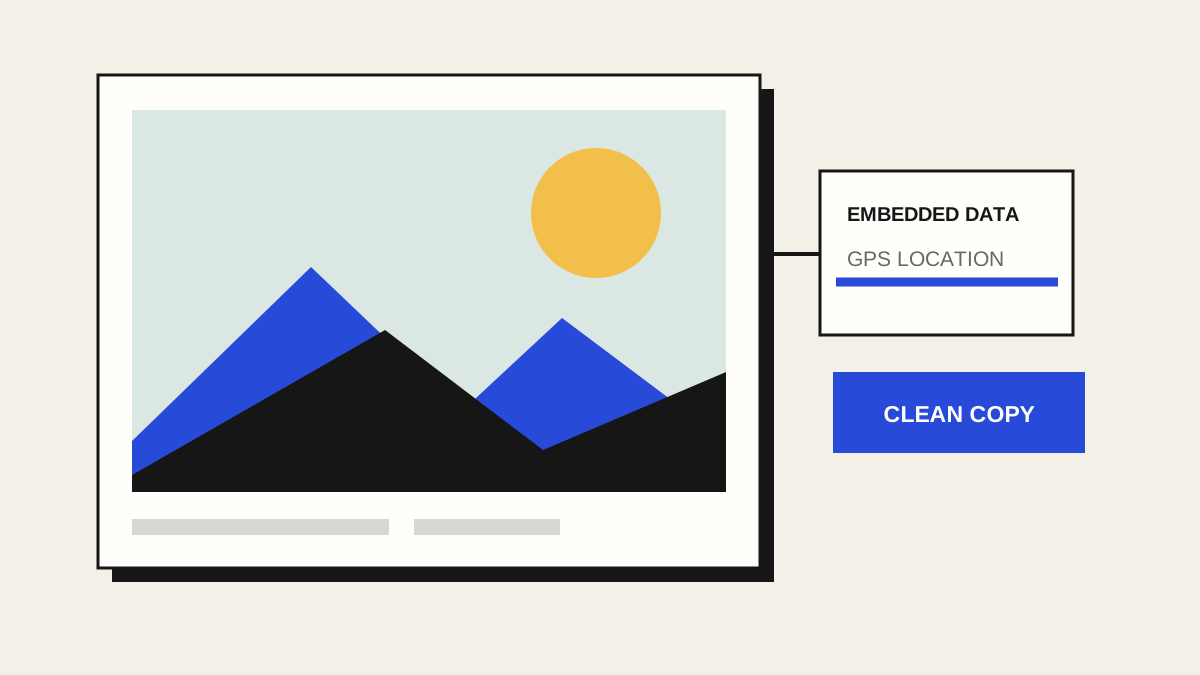
A photo file can contain more than pixels. Some cameras and phones embed details such as capture time, device model, and GPS coordinates. Whether those details survive a particular messaging app or website depends on that service, so inspect the actual file you plan to share.
What should you look for?
EXIF is a common place for camera, time and location data. Files may also include XMP, IPTC, comments or text fields. A photo with no EXIF GPS tag can still contain a location clue elsewhere: a street sign, landmark, reflection or visible address in the image itself.
1. Check the original
Open Photo Metadata Cleaner and choose or drop a JPG, PNG or WebP file. The tool reads it in your browser tab and shows the common metadata blocks it found. A “No EXIF GPS tag detected” result refers to that tag; it is not proof that the image cannot reveal a location.
2. Download a separate copy
Choose Download cleaned photo. The tool removes common EXIF, XMP, IPTC, comment and text metadata blocks while keeping the encoded image data. It does not upload or resize the photo. Your original stays unchanged, so keep it until you have checked the result.
Some JPG files need a small orientation tag to display upright; the tool keeps only that technical rotation value when necessary. If a PNG or WebP relies on an EXIF rotation tag, the tool stops instead of exporting a sideways image.
3. Check the file you will send
Open the downloaded copy and confirm that it displays correctly. If the contents are highly sensitive, inspect the final file with a trusted metadata viewer too: uncommon application-specific fields may not be recognised. Check visible details in the image, and use ShareReady to cover or crop anything you do not want to show.
It cannot make a recognisable person or place anonymous. It also does not change copies of the photo that you have already uploaded or sent.

Free browser tool
Check your photo locally
See common embedded metadata, then download a separate cleaned JPG, PNG or WebP file. No account, upload or AI.
Open Photo Metadata Cleaner